


اشترِ باقة
اختر الوجهة وحصة البيانات ومدة الصلاحية.






لا يوجد موعد نهائي للاستخدام الأول. يمكنك شراء الباقة الآن والاحتفاظ بها لرحلة مستقبلية.
مشاركة الإنترنت عبر نقطة الاتصال مجانية في كل باقات Horizon. اختر لمسارك الكامل عبر طوكيو أو كيوتو أو أوساكا أو هوكايدو أو غرب اليابان، لا لمطار الوصول وحده. تنقسم رحلة اليابان عادة إلى ثلاثة أنماط مختلفة: أيام قطارات طويلة، وأيام مدن مكثفة، ومرحلة إقليمية أبطأ؛ ويحمّل كل منها الباقة نفسها استخداماً مختلفاً.
قد يتضمن مسار اليابان محطات مطار تختلف حسب مبنى الركاب، وعدة شركات قطارات وخدمات محجوزة بين المدن وانتقالاً محلياً منفصلاً إلى الفندق. تساعد البيانات على فتح المسارات والتذاكر والترجمات والحجوزات الحالية حيث تتوفر الخدمة، لكن الأنفاق والمحطات تحت الأرض والجبال وريف هوكايدو قد تقطع الاستقبال. احفظ الانتقال الأول وعنوان الإقامة والمغادرة المؤكدة التالية دون إنترنت. في أيام القطارات يحمل الهاتف الحجز والرصيف والانتقال التالي، وتكون لقطة الشاشة المحفوظة أثمن من بحث مباشر عندما يضيق وقت التبديل. أما أيام المدن فتعتمد على الدقة: مبنى وطابق ومخرج باسمه تفيد أكثر من اسم حي، وتُحتاج الترجمة لقائمة طعام أو آلة تذاكر أو إشعار مطبوع أكثر من محادثة. المرحلة الإقليمية هي التي تعاقب التفاؤل، لأن المغادرات قد تتباعد ساعات ولا يسهل ارتجال حل عند تفويت وصلة. قد يتفاوت الاستقبال على الأرصفة تحت الأرض وفي المقاطع ذات الأنفاق والوديان الجبلية، لذا اعتبر نسخة المسار المنزّلة هي الأساسية واستخدم بيانات الهاتف لتحديثها حيث تصل الشبكة.
سياسة الاسترداد
نعيد دائمًا كامل المبلغ الذي دفعته عند طلبك، سواء كانت eSIM غير مستخدمة أو مستخدمة جزئيًا أو بالكامل. لا يوجد حد زمني لطلب الاسترداد.
لا موعد نهائي للاستخدام الأول
لا تبدأ الصلاحية إلا عندما يتصل eSIM بشبكة مدعومة في وجهتك. لا يوجد موعد نهائي للاستخدام الأول. يمكنك شراء الباقة الآن والاحتفاظ بها لرحلة مستقبلية.
دفع آمن
البطاقات، Apple Pay، Google Pay — مشفّرة عبر Paysera.
دعم على مدار الساعة بجميع اللغات
ردود فورية مضمونة.
على Wi-Fi موثوق، تأكد من أن الهاتف غير مقفل ومتوافق مع eSIM، ثم ثبّت؛ فالتثبيت لا يبدأ الباقة. احفظ رمز QR ودليل الإعداد اليدوي في مكان متاح دون ذلك الهاتف. عند الوصول، اختر ملف اليابان لبيانات الهاتف، وعطّل تبديل البيانات والتجوال على الخط الأساسي إلا إذا احتجت إليهما عن قصد؛ ولن تبدأ مدة الصلاحية إلا عندما يتصل eSIM لأول مرة بشبكة جوال مدعومة في اليابان. ثبّت في المنزل على شبكة Wi-Fi تثق بها بدلاً من بوابة المغادرة، واحتفظ برسالة الإعداد متاحة من جهاز ثانٍ أو نسخة مطبوعة. يعتمد عمل البيانات قبل مغادرة مبنى الركاب على الباقة والجهاز والظروف داخل المبنى، لذا اقرأ خطوة تفعيل الباقة نفسها ولا تفترض توقيتاً. قبل الخروج من الوصول، تأكد من حفظ مرحلة القطار الأولى وعنوان الإقامة كما تكتبه المنشأة نفسها وانتقال العودة إلى المطار دون إنترنت.
اختر الوجهة وحصة البيانات ومدة الصلاحية.
امسح رمز QR أو ثبّته تلقائيًا داخل التطبيق — دون شريحة SIM فعلية.
تُفعَّل البيانات عند أول اتصال في وجهتك.
اختر النمط الأقرب إلى رحلتك. ويفترض التقدير استخدامًا عاديًا — خرائط ومراسلة وصور ومكالمة قصيرة إلى الأهل.
كقاعدة عامة، تحتاج رحلة مدينة من 3–4 يوم إلى نحو 1–3 GB، ورحلة أسبوع إلى 3–5 GB، وجولة أسبوعين بين عدة دول إلى 8–12 GB، أما العمل أثناء التنقل فيستهلك نحو 1 GB يوميًا، أي 15 GB أو أكثر لأسبوعين.
إجمالًا، تغطي حصة بيانات قدرها 5 GB نحو 1,700 صورة مشاركة، أو 83 ساعة من وسائل التواصل والتصفح، أو 15 ساعة من مكالمات الفيديو، أو 63 ساعة من بث الموسيقى، أو نحو 1000 ساعة من الخرائط والملاحة. أما تطبيقات المراسلة فتستهلك بيانات ضئيلة.
طوكيو · دليل المدينة
تبدأ طوكيو بالمطار المكتوب في الحجز لا بقطار مطار عام. يقدم ناريتا خدمات JR وKeisei بوجهات مختلفة في المدينة، ويستخدم مبنى الركاب 1 محطة مختلفة عن المبنيين 2 و3؛ ويقدم هانيدا خيارات Keikyu ومونوريل طوكيو. استخدم البيانات لمراجعة مبنى الركاب والخدمة والرصيف والانتقال إلى الفندق حالياً حيث يتوفر الاستقبال. احفظ المسار المختار وسجل التذكرة والعنوان دون إنترنت لأن المقاطع تحت الأرض والمحطات الكبيرة قد تقطع الوصول. الصالات تحت الأرض هي أكثر الأماكن التي يتعذر فيها البحث المباشر، لذا احسم المسار وأنت فوق الأرض واعتبر الهاتف في الأسفل سجلاً لا مربع بحث. إذا انفصلت المجموعة داخل المحطة، فاتفقوا على مخرج باسمه لا معلم، لأن المخارج في المحطة نفسها قد تتباعد بمسافة مشي طويلة. للعودة المتأخرة، راجع جدول آخر الخدمات الحالي في اليوم نفسه واحفظ الإجابة كصورة لا تبويب قد يتعذر تحميله مجدداً.
eSIM لمدينة طوكيو — أعدّه قبل السفركيوتو–أوساكا · دليل المدينة
تتضمن رحلة كيوتو–أوساكا عادة عدة مراحل: الشينكانسن أو خدمة أخرى بين المدن، ثم قطار محلي أو مترو، ثم مشي أو حافلة إلى الإقامة. قد تسهّل بطاقة IC رحلات كثيرة، لكن قبولها يعتمد على البطاقة والمنطقة ووسيلة النقل، وتتطلب بعض الخدمات تذكرة أو حجزاً منفصلاً. استخدم البيانات لتأكيد الرصيف الحالي والانتقال النهائي حيث تتوفر، مع حفظ المسار الكامل والحجز وتعليمات الفندق دون إنترنت قبل دخول نفق أو محطة مزدحمة. تختلف قواعد الحجز بحسب الخدمة، لذا اقرأ التذكرة التي تحملها فعلاً لا ملخصاً لما تسمح به عادة، وراجع الجدول الحالي في اليوم نفسه بدلاً من جدول حفظته قبل أسبوع. بين المدينتين تكون لحظات البيانات المفيدة قصيرة ومحددة: الرصيف والعربة وآخر وصلة محلية والمدخل الذي تستخدمه الإقامة نفسها. الرحلة اليومية من أي المدينتين هي موضع اختبار الباقة، لأن العودة غالباً متأخرة وأهدأ وتعبر مقاطع أنفاق أكثر من الذهاب.
eSIM لمدينة كيوتو–أوساكا — أعدّه قبل السفرسابورو–هوكايدو · دليل المدينة
قد تكون سابورو المحطة الأولى، بينما يستمر مسار هوكايدو بقطار أو حافلة أو سيارة مستأجرة نحو مناطق التزلج أو المتنزهات الوطنية أو البلدات الأصغر. تجعل تغيرات الطقس والمسافات الطويلة والأنفاق والتضاريس الريفية استقبال المدينة دليلاً ضعيفاً للمرحلة التالية. استخدم البيانات حيث تتوفر لمراجعة المغادرات الحالية وتنبيهات الطقس ورسائل الإقامة وتفاصيل الاستقبال، لكن نزّل المسار الكامل وخطة العودة. احفظ مراجع الحجوزات وخطة سلامة مستقلة دون إنترنت ولا تتعامل مع بيانات الهاتف كخدمة طوارئ. في مرحلة القيادة الذاتية، اعتبر الفراغ بين البلدات وحدة التخطيط لا المسافة إلى الوجهة، لأنه الأقل قابلية لتوقع الاستقبال. نزّل خريطة اليوم ورقم الإقامة وطريق العودة قبل مغادرة آخر بلدة، وراجع الجدول الحالي لأي قطار أو حافلة ولا تفترض استمرار توقيت الأمس. شتاءً، احسب أن اليوم قد يطول أكثر مما توحي الخريطة، وقدّر البيانات وفق هذه النسخة الأطول لا النسخة الورقية.
eSIM لمدينة سابورو–هوكايدو — أعدّه قبل السفرفوكوكا–هيروشيما · دليل المدينة
قد يجمع السفر بين فوكوكا وهيروشيما والجزر القريبة رحلة داخلية أو حجز شينكانسن مع مراحل مترو أو ترام أو حافلة أو عبّارة. أكد محطة الوصول أو مبنى الركاب والخدمة المحجوزة والوصلة المحلية ومدخل الإقامة كلّاً على حدة؛ فتذكرة القطار أو بطاقة IC لا تغطي بالضرورة كل مرحلة. تساعد البيانات على فتح المغادرات الحالية والتواصل مع الفندق حيث توجد الخدمة، لكن الطرق الساحلية والأنفاق والعبّارات تحتاج تذاكر ونقاط التقاء محفوظة وبديلاً كاملاً دون إنترنت. تستحق مراحل الجزر التحضير الأكبر: راجع الجدول الحالي في الصباح نفسه، واحفظ بيانات الصعود كصورة، واتفق على نقطة التقاء لا تعتمد على احتفاظ أي هاتف بالإشارة. قد يتفاوت الاستقبال على الماء وداخل المقصورات الأقدم، لذا يجب أن يكون أي شيء حساس للوقت على الجهاز قبل الركوب لا بعده. عندما يجمع المسار رحلة داخلية مع القطار، يُحجز كل منهما وتصدر تذاكره ويتغير موعده في مكان مختلف، لذا احفظ المرجعين منفصلين ولا تثق بتطبيق واحد لحمل اليوم كله.
eSIM لمدينة فوكوكا–هيروشيما — أعدّه قبل السفرلماذا Horizon
حدّد حجم الباقة لانتقالات المطارات وأيام القطارات والملاحة في المدن والرحلات الإقليمية الجانبية. مشاركة الإنترنت عبر نقطة الاتصال مجانية في كل باقات Horizon. لا يثبت عرض لليابان وحدها الخدمة في كوريا أو تايوان أو هونغ كونغ أو الصين أو على عبّارة؛ يجب أن يظهر كل بلد أو إقليم في المسار الإقليمي ضمن تفاصيل الباقة الدقيقة. تستحق أربعة أمور المراجعة قبل الدفع. قدّر البيانات ليوم قطار وترجمة لا ليوم عادي في المنزل. طابق الصلاحية مع آخر ليلة من الرحلة لا آخر يوم كامل. راجع قائمة المناطق لكل جزيرة ورحلة جانبية في المسار. أكد أن الهاتف الذي سيسافر فعلاً يدعم eSIM وغير مقفل على مشغّل واحد.
باقة إلى
اليابان
قارن حصص البيانات ومدد الصلاحية المدرجة لوجهتك.
ثبّتها عبر شبكة Wi-Fi موثوقة قبل المغادرة، واتبع تعليمات تفعيل الباقة.
راجع السعر الحالي والبيانات والصلاحية والتغطية قبل الدفع. لا توجد قيود على السرعة في باقات Horizon.
عندما تدعم الباقة المختارة إعادة الاستخدام أو إعادة التعبئة، يعرض قسم «eSIM الخاصة بي» الخيارات المتاحة لملف التعريف المثبّت.
سننبّهك عند اقترابك من الحد. وإذا كانت الباقة تدعم إعادة التعبئة، فسيعرض قسم «eSIM الخاصة بي» الخيارات المتاحة.
اختر تغطية دولة واحدة أو إقليمية أو عالمية، وتحقق من كل وجهة في تفاصيل الباقة.
قارن حجم البيانات والصلاحية والمناطق الدقيقة والأجهزة المتوافقة وإجمالي الدفع النهائي للمسار الكامل. راجع طريقة الوصول إلى الدعم؛ أما الصلاحية نفسها فلا تبدأ إلا عندما يتصل eSIM لأول مرة بشبكة جوال مدعومة في اليابان. لا تختَر بناءً على الوصول إلى طوكيو وحده إذا شمل المسار هوكايدو أو غرب اليابان أو الجزر أو محطة دولية. يسهل تقدير الحجم بتقسيم الرحلة إلى أيام قطارات ومدن وأقاليم بدلاً من المتوسط، لأن يوم ملاحة مباشرة وترجمة يستهلك بشكل مختلف جداً عن يوم مشي في حي واحد. تستحق إعادة الشحن المراجعة أيضاً: لا تتوفر إلا عندما تدعمها الباقة المختارة، لذا أكد ذلك قبل اعتبار الحجم الأصغر قابلاً للتمديد.
ثبّت عبر Wi-Fi موثوق في وقت يكفي لحل مشاكل التوافق أو الإعداد؛ فالتثبيت لا يبدأ الباقة، ولا توجد خطوة تفعيل يدوي. احفظ رمز QR والدليل اليدوي خارج الهاتف. عند الوصول، اتبع تعليمات المزوّد واختر ملف اليابان للبيانات وامنع الخط الأساسي من الانتقال إلى البيانات بشكل غير متوقع. لرحلة طويلة، يكون المساء السابق للطيران وقتاً عملياً: متأخراً بما يكفي لعدم نسيان شيء ومبكراً بما يكفي لحل مشكلة الجهاز أو الملف في المنزل. لا تبدأ مدة الصلاحية إلا عندما يتصل eSIM لأول مرة بشبكة جوال مدعومة في اليابان.
لا. لناريتا وهانيدا أنظمة قطارات ووجهات مختلفة، وتعتمد محطة ناريتا على مبنى الركاب. تعمل بطاقات IC في خدمات كثيرة، لكن الإرشادات الرسمية تشير إلى اختلاف القبول بحسب البطاقة والمنطقة ونوع النقل؛ وبعض حافلات الطرق السريعة وخدمات أخرى لا تقبلها. أكد مبنى الركاب والقطار والحجز والوصلة المحلية بدقة، واحتفظ بسجل التذكرة دون إنترنت. قبل السفر، احفظ مسار المطار المسمى في حجزك نفسه لا مسار مطار عام، وراجع الجدول الحالي مجدداً في يوم الوصول. ينطبق الحذر نفسه داخل البلاد: قبول البطاقة لكل رحلة في مدينة لا يثبت قبولها في التالية، لذا اعتبر كل منطقة سؤالاً مستقلاً.
باقات Horizon لليابان للبيانات فقط. تستخدم مكالمات التطبيقات والمراسلة رصيد البيانات، ولا يوجد رقم ياباني أو SMS عادية. قبل الشراء جرّب حساب التطبيق المطلوب واحتفظ بوسيلة بديلة للتواصل مع الفنادق أو مشغّلي النقل أو رفاق السفر. إذا كان تأكيد الحجز سيصل فقط برسالة SMS إلى رقمك الأساسي، فرتّب ذلك الخط قبل المغادرة بدلاً من اكتشاف النقص في اليابان. مشاركة الإنترنت عبر نقطة الاتصال مجانية في كل باقات Horizon.
لا يثبت عرض لليابان وحدها التغطية في كوريا الجنوبية أو تايوان أو هونغ كونغ أو الصين أو البحر. حتى إذا بقيت الرحلة داخل اليابان، لا تستنتج استقبال الجزر أو العبّارات من خدمة المدن. للباقة الإقليمية، تأكد من ظهور كل بلد وإقليم في القائمة الدقيقة المشمولة، ونزّل تفاصيل الحدود والميناء والعبّارة والوصول قبل المغادرة. إذا أضاف المسار رحلة قصيرة إلى بلد مجاور، فاعتبرها سؤال تغطية منفصلاً لا امتداداً لمرحلة اليابان، وراجع قائمة الباقة نفسها وما يحدث على الماء بينهما. محطة التوقف في الطريق تُحسب أيضاً، حتى لو لم يغادر جواز السفر المطار.
استخدم Wi-Fi موثوقاً لتأكيد تفعيل ملف اليابان واختياره لبيانات الهاتف، ثم اتبع تعليمات الباقة للتفعيل وتجوال البيانات وAPN وأي اختيار شبكة مدرجة. عطّل تبديل البيانات غير المتوقع على الخط الأساسي ولا تعِد التشغيل إلا إذا طُلب ذلك. أبقِ الملف مثبتاً؛ وإذا استمر فشل البيانات، أرسل للدعم مرجع الطلب وطراز الجهاز والموقع الدقيق ولقطات الشاشة مع استخدام الطرق والتذاكر المحفوظة دون إنترنت. مكان المشكلة مهم بقدر شكلها: إذا حدثت فقط على رصيف تحت الأرض أو في مقطع أنفاق أو وادٍ جبلي، فهذا يشير إلى الاستقبال أكثر من الملف، لذا أعد التجربة فوق الأرض قبل تغيير الإعدادات. دوّن وقت ومكان كل انقطاع، لأن نمطاً مرتبطاً بمحطة أو مقطع خط واحد أسهل تشخيصاً بكثير من بلاغ عام بأن لا شيء يعمل.
لا. لا توجد قيود على السرعة في باقات Horizon. لا يوجد حد يومي يبطئ اتصالك، لذا يمكنك استخدام باقتك كلها في يوم واحد إذا احتجت إلى ذلك. تعتمد السرعة على الشبكة المحلية وقوة الإشارة ومدى ازدحام الشبكة. وعندما تنفد بياناتك، تتوقف الباقة بدلًا من أن تبطئ.
نعم. نعيد دائمًا كامل المبلغ الذي دفعته عند طلبك، سواء كانت eSIM غير مستخدمة أو مستخدمة جزئيًا أو بالكامل. لا يوجد حد زمني لطلب الاسترداد.
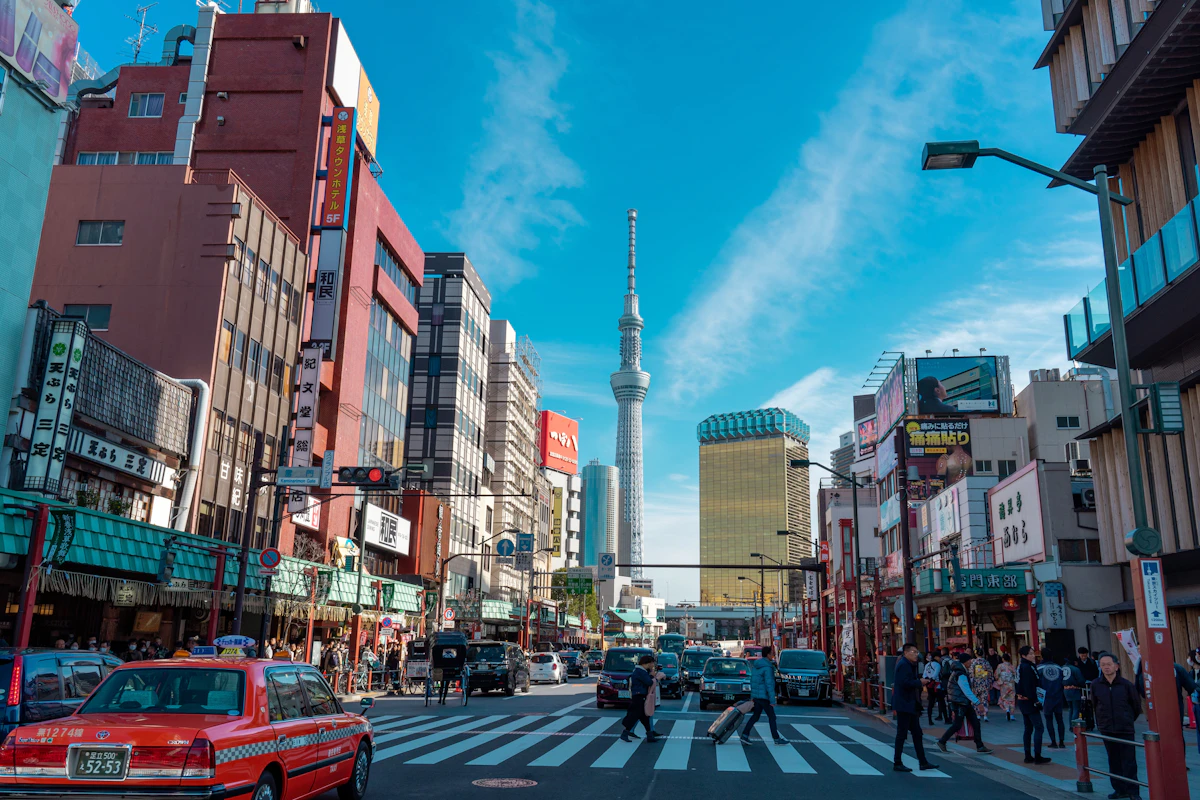
لأسبوع في اليابان، تغطي 3–5 غيغابايت الخرائط والرسائل الخفيفة، وتناسب 5–10 الاستخدام المعتاد، وتكون 15 فأكثر أضمن للفيديو أو مشاركة الإنترنت.

قارن أسعار eSIM لليابان من Horizon وAiralo وNomad وSaily وHolafly للباقات الصغيرة والكبيرة، مع دعم Horizon الفوري.
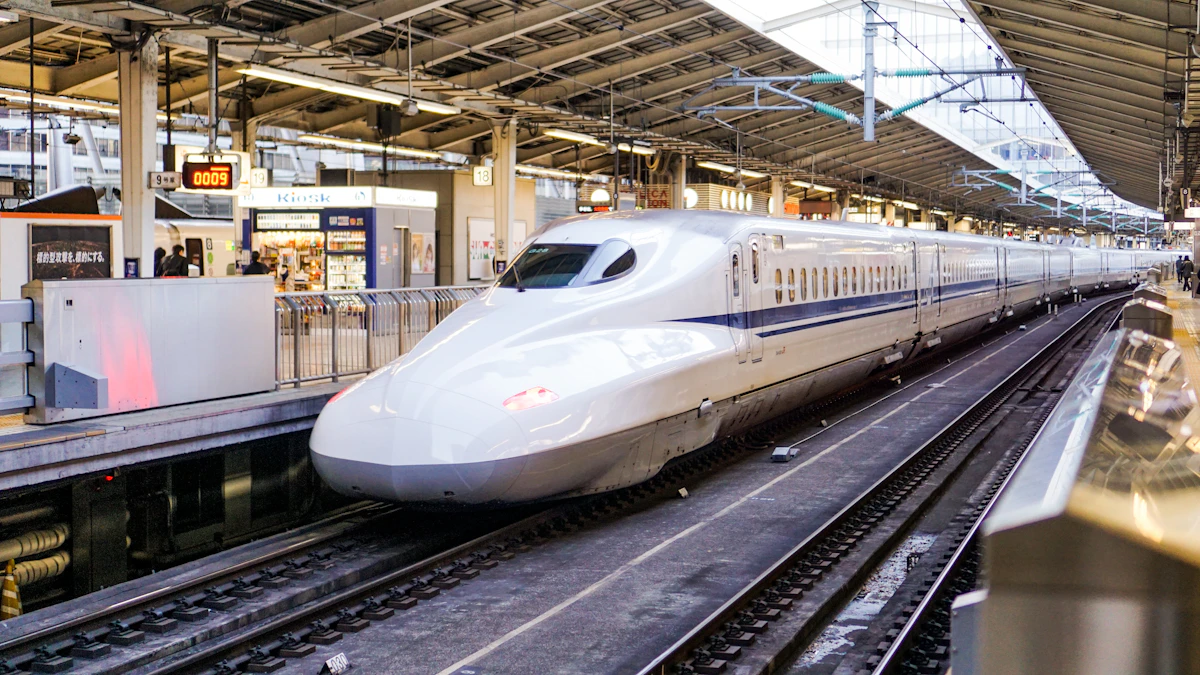
تتكون رحلة اليابان من مراحل بحجوزات وتذاكر منفصلة. اختر بيانات eSIM وصلاحيتها للمسار الكامل، وجهّز تفاصيل الانتقالات قبل الوصول.


