


EN
“I used the Europe Esim, went through different countries with it and it was working super fast 5G everywhere. Suprised for good!” 





“I used the Europe Esim, went through different countries with it and it was working super fast 5G everywhere. Suprised for good!” “The eSIM worked perfectly during my trip around Europe. It was very easy to install, connected as soon as I arrived, and the internet was fast and reliable everywhere I went. It made travelling much easier because I did not need to buy local SIM cards. Very convenient and worth the price. I would definitely use it again.” لا يوجد موعد نهائي للاستخدام الأول. يمكنك شراء الباقة الآن والاحتفاظ بها لرحلة مستقبلية.
قارن باقات eSIM لإسبانيا للتنقل من مطاري مدريد وبرشلونة ومواصلات إشبيلية وفالنسيا والخرائط ورسائل الإقامة. راجع البيانات والصلاحية والمناطق المدرجة وتوافق الجهاز والسعر الإجمالي.
قد يبدأ مسار إسبانيا في أحد مباني مدريد باراخاس، ويستمر عبر برشلونة إل برات، ويستخدم حافلة مطار إشبيلية وينتهي على مترو فالنسيا. لا تخضع هذه الوصولات لقاعدة تذاكر واحدة: يختلف الوصول في مدريد بحسب مبنى الركاب، وتقيّد محطتا مطار خط L9 Sud في برشلونة بعض التذاكر الشائعة، وتتغير المسارات المحلية. استخدم بيانات الهاتف لمراجعة صفحة المشغّل الحالية، ثم احفظ مبنى الركاب والتذكرة الصالحة وعنوان الفندق ومساراً احتياطياً دون إنترنت.
سياسة الاسترداد
نعيد دائمًا كامل المبلغ الذي دفعته عند طلبك، سواء كانت eSIM غير مستخدمة أو مستخدمة جزئيًا أو بالكامل. لا يوجد حد زمني لطلب الاسترداد.
لا موعد نهائي للاستخدام الأول
لا تبدأ الصلاحية إلا عندما يتصل eSIM بشبكة مدعومة في وجهتك. لا يوجد موعد نهائي للاستخدام الأول. يمكنك شراء الباقة الآن والاحتفاظ بها لرحلة مستقبلية.
دفع آمن
البطاقات، Apple Pay، Google Pay — مشفّرة عبر Paysera.
دعم على مدار الساعة بجميع اللغات
ردود فورية مضمونة.
ثبّت eSIM عبر Wi-Fi موثوق واحتفظ بدليل الإعداد خارج الهاتف. اتبع تعليمات تفعيل الباقة المختارة، واختر ملفها لبيانات الهاتف عند الحاجة، واترك التجوال معطلاً على الشريحة الأساسية إلا إذا أردت استخدامه. قبل مغادرة Wi-Fi، نزّل مبنى الوصول ومسار النقل الأول وعنوان الإقامة وتفاصيل الدعم.
اختر الوجهة وحصة البيانات ومدة الصلاحية.
امسح رمز QR أو ثبّته تلقائيًا داخل التطبيق — دون شريحة SIM فعلية.
تُفعَّل البيانات عند أول اتصال في وجهتك.
اختر النمط الأقرب إلى رحلتك. ويفترض التقدير استخدامًا عاديًا — خرائط ومراسلة وصور ومكالمة قصيرة إلى الأهل.
كقاعدة عامة، تحتاج رحلة مدينة من 3–4 يوم إلى نحو 1–3 GB، ورحلة أسبوع إلى 3–5 GB، وجولة أسبوعين بين عدة دول إلى 8–12 GB، أما العمل أثناء التنقل فيستهلك نحو 1 GB يوميًا، أي 15 GB أو أكثر لأسبوعين.
إجمالًا، تغطي حصة بيانات قدرها 1 GB نحو 330 صورة مشاركة، أو 17 ساعة من وسائل التواصل والتصفح، أو 2.9 ساعة من مكالمات الفيديو، أو 13 ساعة من بث الموسيقى، أو نحو 200 ساعة من الخرائط والملاحة. أما تطبيقات المراسلة فتستهلك بيانات ضئيلة.
مدريد · دليل المدينة
في مطار أدولفو سواريز مدريد باراخاس، يعتمد اختيار النقل على مبنى الركاب. تدرج Aena خط المترو 8 في محطتي Airport T1-T2-T3 وAirport T4، بينما تقع محطة المطار لقطار Cercanías C1 في T4؛ فلا تفترض أن خدمة قطار واحدة تصل إلى كل المباني. مبنى T4S تابع منفصل يرتبط بـ T4 بقطار داخلي، والانتقالات الأخرى بين المباني خطوة منفصلة. تتطلب بعض أنواع تذاكر المترو إضافة للمطار، لذا راجع قاعدة التذكرة الحالية ومبنى الركاب قبل الدخول. احفظ عنوان الفندق ونقطة التبديل وخطة التنقل بين المباني دون إنترنت.
eSIM لمدينة مدريد — أعدّه قبل السفربرشلونة · دليل المدينة
يخدم خط L9 Sud في برشلونة محطتي Aeroport T1 وAeroport T2، لكن تذكرة المدينة المألوفة ليست صالحة فيهما تلقائياً. تدرج TMB حالياً التذكرة المفردة وT-casual وT-grup وتذاكر الفعاليات ومنتجات أخرى تسميها ضمن التذاكر المستثناة في محطتي المطار؛ واعتبر القائمة إرشاداً حالياً لا قاعدة دائمة وشاملة. راجع صفحة التذاكر قبل السفر واحصل على منتج صالح لرحلة المطار. نزّل محطة مبنى الركاب الصحيحة ونقطة التبديل ومسار الإقامة قبل مغادرة Wi-Fi.
eSIM لمدينة برشلونة — أعدّه قبل السفرإشبيلية · دليل المدينة
تحدد Aena وTUSSAM حافلة EA Airport Special في إشبيلية كوصلة مباشرة بين مبنى الركاب والمدينة. تتضمن الإرشادات الرسمية الحالية شراء التذاكر عند نقطة الوصول في المطار أو آلات مختارة أو قنوات إلكترونية، والدفع ببطاقة مصرفية على متن الحافلة؛ ويجب إعادة مراجعة الخيارات والشروط لتاريخ السفر. أكد المحطة المناسبة للإقامة بدلاً من الاعتماد على لقطة شاشة قديمة. احفظ اسم المحطة وعنوان الفندق ونقطة استقبال احتياطية دون إنترنت تحسباً لتغير المسار أو قناة التذاكر.
eSIM لمدينة إشبيلية — أعدّه قبل السفرفالنسيا · دليل المدينة
في مطار فالنسيا، تضع Aena محطة Metrovalencia في الطابق الأرضي من مبنى الرحلات الإقليمية. يشترك الخطان 3 و5 في الوصول إلى المطار لكنهما يخدمان مناطق مختلفة بعده: يربط الخط 3 المركز ومنطقة الجامعة والشمال الحضري، بينما يربط الخط 5 المركز والميناء. راجع الوجهة والمحطة والجدول والتذكرة الحالية قبل الركوب، ولا تعتبر الخطين متبادلين. احفظ عنوان الإقامة والخط المختار وبديلاً للنقل السطحي دون إنترنت لمرحلة الوصول.
eSIM لمدينة فالنسيا — أعدّه قبل السفرلماذا Horizon
تستخدم وصلات المطارات الرئيسية في إسبانيا محطات وشروط تذاكر ووجهات مختلفة. تساعد باقة بيانات مناسبة على فتح إرشادات Aena أو TMB أو TUSSAM أو Metrovalencia الحالية مجدداً ومراسلة الإقامة وتعديل المسار عند تغير مبنى الركاب أو الوصلة المحلية. لكنها لا تغني عن تذكرة نقل صالحة أو خريطة تعمل دون إنترنت أو مراجعة مناطق الباقة الدقيقة.
باقة إلى
إسبانيا
قارن حصص البيانات ومدد الصلاحية المدرجة لوجهتك.
ثبّتها عبر شبكة Wi-Fi موثوقة قبل المغادرة، واتبع تعليمات تفعيل الباقة.
راجع السعر الحالي والبيانات والصلاحية والتغطية قبل الدفع. لا توجد قيود على السرعة في باقات Horizon.
عندما تدعم الباقة المختارة إعادة الاستخدام أو إعادة التعبئة، يعرض قسم «eSIM الخاصة بي» الخيارات المتاحة لملف التعريف المثبّت.
سننبّهك عند اقترابك من الحد. وإذا كانت الباقة تدعم إعادة التعبئة، فسيعرض قسم «eSIM الخاصة بي» الخيارات المتاحة.
اختر تغطية دولة واحدة أو إقليمية أو عالمية، وتحقق من كل وجهة في تفاصيل الباقة.
ابدأ بالبيانات المطلوبة ومدة الرحلة والمناطق المحددة المدرجة، ثم قارن دعم جهاز غير مقفل ومتوافق مع eSIM والسعر الإجمالي قبل الدفع. ينبغي أن يطابق اسم إسبانيا الوجهات الإسبانية التي تنوي زيارتها، لكنه لا يصف البلدان أو الأقاليم القريبة. لا تبدأ مدة الصلاحية إلا عندما يتصل eSIM لأول مرة بشبكة جوال مدعومة في إسبانيا. اقرأ شروط التجديد للباقة المختارة ولا تفترض أن كل المنتجات تتجدد بالطريقة نفسها. احتفظ برسالة الطلب ودليل الإعداد في مكان متاح خارج الهاتف.
ثبّت eSIM عبر Wi-Fi موثوق مع توفر رسالة الطلب ودليل الإعداد، واحفظ نسخة منفصلة من الدليل قبل السفر. لا يبدأ التثبيت الصلاحية، فهي لا تبدأ إلا عندما يتصل eSIM لأول مرة بشبكة جوال مدعومة في إسبانيا، ولا توجد خطوة تفعيل منفصلة. أبقِ الملف مثبتاً بعد الإعداد وانتظر تعليمات الباقة قبل اختياره لبيانات الهاتف. نزّل مسار المطار الأول وعنوان الإقامة وتفاصيل الدعم قبل مغادرة Wi-Fi.
طابق مبنى الوصول ووجهة المدينة قبل شراء أي تذكرة نقل؛ فلا توجد قاعدة تذاكر واحدة لهذه المطارات. في مدريد، للخط 8 محطتان منفصلتان في T1-T2-T3 وT4، بينما يصل Cercanías C1 إلى T4. في برشلونة، تحقق من منتج صالح لمحطة مطار L9 Sud في T1 أو T2. في إشبيلية، راجع مسار EA Airport Special الحالي وقناة البيع. في فالنسيا، اختر الخط 3 للمركز أو الجامعة أو المنطقة الشمالية، أو الخط 5 للمركز أو الميناء. أعد مراجعة صفحة المشغّل في يوم السفر واحفظ المسار دون إنترنت.
تستخدم تطبيقات المراسلة والمكالمات اتصال بيانات الهاتف المختار وفق إعدادات حساباتها. إذا كان الجهاز يدعم إبقاء الشريحتين نشطتين، فاختر eSIM لإسبانيا عمداً خطاً للبيانات عندما تطلب التعليمات، وأبقِ تجوال البيانات معطلاً على الشريحة الأساسية إلا إذا أردت استخدامه. جرّب الترتيب المقصود قبل الاعتماد عليه لاستقبال المطار. مشاركة الإنترنت عبر نقطة الاتصال مجانية في كل باقات Horizon.
لا تستنتج المناطق من اسم إسبانيا وحده. يجب أن تظهر البرتغال وفرنسا وأندورا وجبل طارق والمغرب كلٌّ صراحة في قائمة الباقة المختارة قبل توقع الخدمة هناك. راجع أيضاً كل وجهة في مسار البر الرئيسي أو الجزر مقابل القائمة الدقيقة؛ ولا تفترض أن علاقة جغرافية أو سياسية مألوفة تحدد مناطق المنتج. تحقق من القائمة قبل الشراء ومرة أخرى قبل المتابعة، ثم احفظ العنوان والمستندات الأساسية والطريق دون إنترنت. لا تثبت eSIM أن الحدود أو المعبر مفتوح أو أن الدخول مسموح.
أعد الاتصال بـ Wi-Fi موثوق وافتح دليل الباقة التي اشتريتها تحديداً. أبقِ eSIM مثبتة لأن حذفها قد يمنع إعادة استخدام رمز الإعداد. تأكد من نشاط الباقة واختيار ملفها لبيانات الهاتف ومطابقة التجوال وAPN واختيار الشبكة للتعليمات؛ ثم بدّل وضع الطيران أو أعد تشغيل الهاتف إذا طُلب ذلك. إذا استمر فشل البيانات، تواصل مع الدعم برقم الطلب وطراز الهاتف والموقع الحالي واسم الشبكة المعروض ونص الخطأ ولقطات الشاشة، دون مشاركة كلمات مرور أو تفاصيل دفع كاملة أو أسرار أخرى.
لا. لا توجد قيود على السرعة في باقات Horizon. لا يوجد حد يومي يبطئ اتصالك، لذا يمكنك استخدام باقتك كلها في يوم واحد إذا احتجت إلى ذلك. تعتمد السرعة على الشبكة المحلية وقوة الإشارة ومدى ازدحام الشبكة. وعندما تنفد بياناتك، تتوقف الباقة بدلًا من أن تبطئ.
نعم. نعيد دائمًا كامل المبلغ الذي دفعته عند طلبك، سواء كانت eSIM غير مستخدمة أو مستخدمة جزئيًا أو بالكامل. لا يوجد حد زمني لطلب الاسترداد.
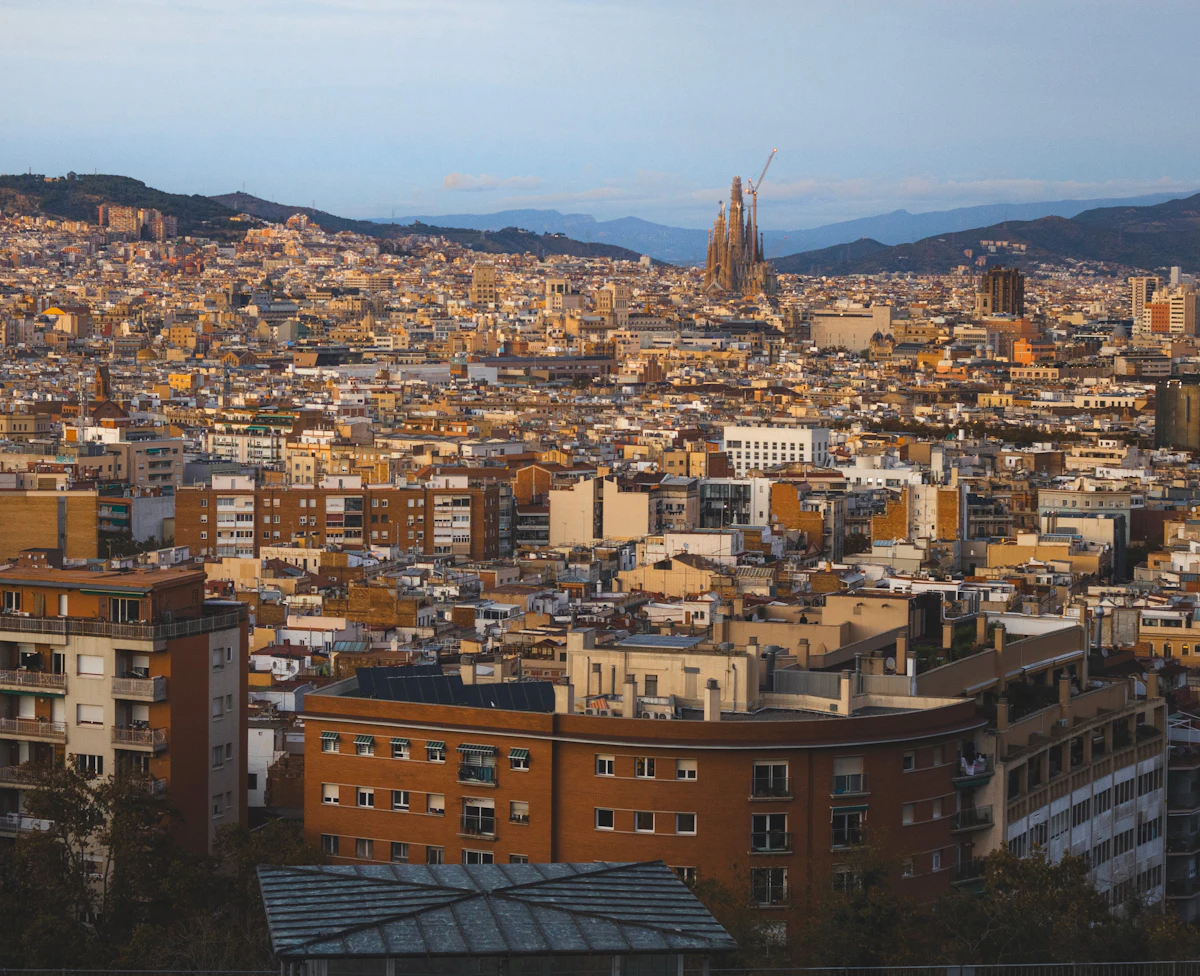
قارن Horizon وAiralo وNomad وSaily وHolafly لإسبانيا. راجع أسعار 5 و10 غيغابايت وحدود مشاركة الإنترنت ودعم Horizon الفوري.
إسبانيا داخل الاتحاد الأوروبي، لذلك قد يشملها اشتراكك الحالي بالفعل. إليك ما تدرجه باقات إسبانيا، ولماذا يجدر التحقق من جزر الكناري والبليار بالاسم، وكيف تختار حجم البيانات لأسبوع في المدن أو صيف في الجزر.
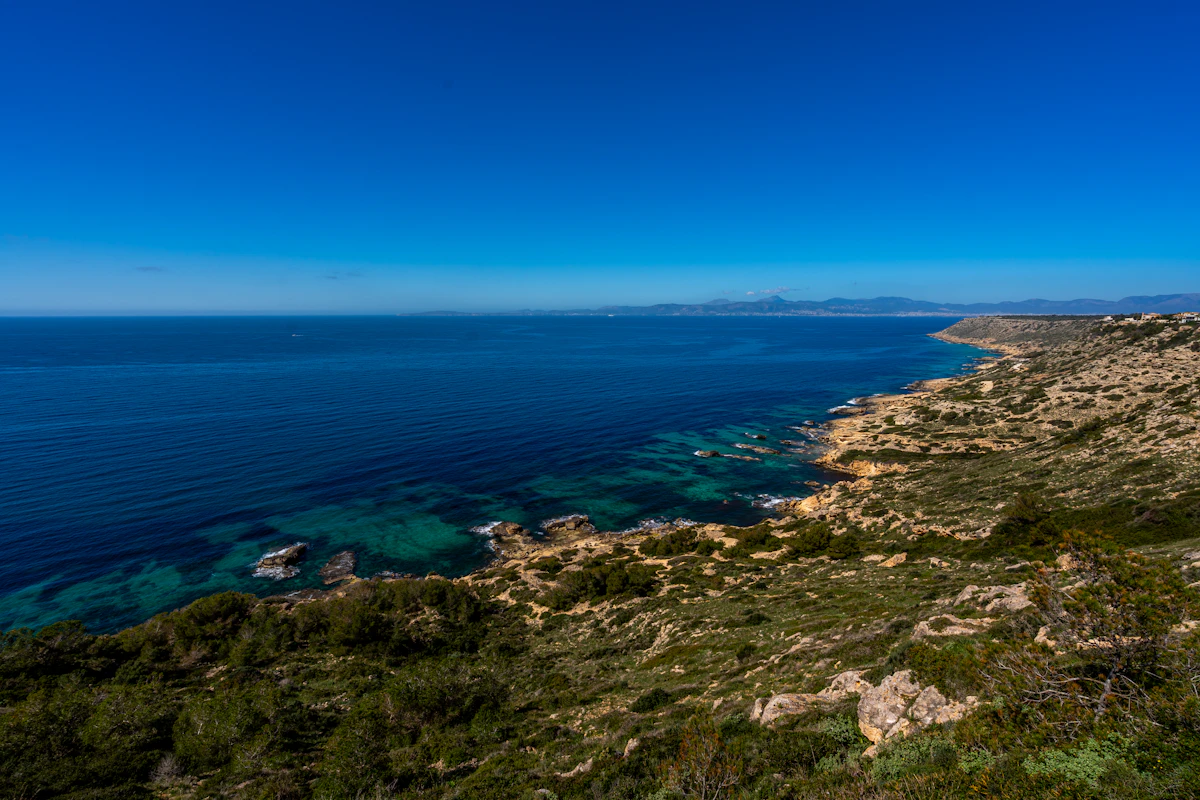
خلجان مايوركا وغروب إيبيزا وهدوء مينوركا: إليك إبقاء الخرائط والعبّارات وحجوزات الشواطئ متصلة خلال صيف في جزر البليار الإسبانية.


