



Buy a plan
Pick a destination, data allowance and validity period.






There is no deadline for first use. You can buy now and keep your plan for a future trip.
Compare Canada eSIM plans for Toronto Pearson and Union Station, YVR to Waterfront or Tsawwassen, Montréal-Trudeau to Lionel-Groulx or Dorval, and Banff or Lake Louise road legs. Check the exact offer's data allowance, validity, listed territory, activation guide and device support before choosing.
A Canada itinerary can combine airport-to-rail transfers at Toronto or Montréal, a YVR connection to downtown or a Tsawwassen ferry booking, and a drive from Banff toward Lake Louise or the Icefields Parkway. Terminals, stations and booked departure points are not interchangeable, while ferry operations, road conditions and weather can change. Reception also varies with distance, terrain, buildings, tunnels, congestion, the device and the local network. Save the terminal, booking, station, address, onward route and a fallback offline before each handoff.
Refund policy
We always refund the full amount you paid when you request it, whether your eSIM is unused, partly used or fully used. There is no time limit for requesting a refund.
No first-use deadline
Validity does not start until your eSIM connects to a supported network at your destination. There is no deadline for first use. You can buy now and keep your plan for a future trip.
Secure checkout
Cards, Apple Pay & Google Pay — encrypted by Paysera.
24/7 support in all languages
Instant replies guaranteed.
Prepare the Canada profile on stable Wi-Fi while the order and exact plan guide remain accessible. That guide—not the destination name—governs installation, roaming and APN settings; validity does not start until the eSIM first connects to a supported mobile network in Canada. Label both lines, select the Canada eSIM for mobile data and disable unintended switching to the home line; calls, messages, voicemail or background traffic on that line can still follow its own roaming charges. Before leaving an airport or boarding a ferry, save the ticket, booking, station and support reference offline.
Pick a destination, data allowance and validity period.
Scan the QR or auto-install in the app — no physical SIM.
Data activates on first connection at your destination.
Pick the profile closest to your trip. The estimate assumes normal use — maps, messaging, photos, a short call home.
As a rule of thumb, a 3–4 day city break runs on about 1–3 GB, a one-week trip on 3–5 GB, a two-week multi-country tour on 8–12 GB, and working on the road takes about 1 GB a day, so 15 GB or more for two weeks.
In total, a 5 GB data allowance covers roughly 1,700 shared photos, 83 hours of social media and browsing, 15 hours of video calls, 63 hours of music streaming, or about 1000 hours of maps and navigation. Messaging apps barely use data.
Toronto Pearson (YYZ) · Union Station · City guide
At Toronto Pearson, the UP Express station is beside Terminal 1; follow Train to City signs. From Terminal 3, take the airport's Terminal Link to Terminal 1 before continuing to Union Station. Confirm the live train schedule, ticket terms and the terminal shown on the flight, then save the Union Station exit, onward address and a fallback route offline.
Toronto Pearson (YYZ) · Union Station eSIM — set up before you flyYVR · Waterfront · Tsawwassen · City guide
YVR's Canada Line station sits between the international and domestic terminals and leads toward Waterfront in central Vancouver. Tsawwassen is a different journey: change at Bridgeport for the bus to the ferry terminal, then handle the ferry ticket, check-in and boarding separately. Check current transit schedules and ferry service notices before departure, and keep each ticket, terminal name and return connection offline.
YVR · Waterfront · Tsawwassen eSIM — set up before you flyMontréal-Trudeau (YUL) · Lionel-Groulx · Dorval · City guide
At Montréal-Trudeau, the 747 has a shorter airport–Lionel-Groulx route as well as a longer downtown route, so read the destination before boarding. Dorval intercity rail uses a separate airport shuttle from the departures level at Door 8; it is not the same transfer. Verify the current airport instructions and train booking, then save the stop, door, rail departure and accommodation address offline.
Montréal-Trudeau (YUL) · Lionel-Groulx · Dorval eSIM — set up before you flyBanff · Lake Louise · Icefields Parkway · City guide
For Lake Louise, Parks Canada shuttle rules can require a reservation, Park and Ride check-in and a separate park entry; confirm the current procedure before leaving Banff. For the Icefields Parkway, Parks Canada advises that there is no cell coverage and services are limited, while weather and road conditions can change. Download the route, closures and forecast, plan fuel and emergency steps, and share the itinerary; mobile data is not a safety system.
Banff · Lake Louise · Icefields Parkway eSIM — set up before you flyWhy Horizon
Choose for the complete itinerary, not one arrival city: size data and validity for every transfer, ferry booking and remote-road day, then verify Canada in the listed territory and each product field you need. A Canada label does not include the United States or another territory. Check whether the selected offer supports top-ups. Hotspot sharing is free on every Horizon plan. Save bookings, road information and fallback directions offline; mobile data is not a safety system.
Plan for
Canada
Compare the listed data allowances and validity periods for your destination.
Install over reliable Wi-Fi before departure and follow the plan's activation instructions.
Review the current price, data, validity and coverage before checkout. Horizon plans have no throttling.
When the selected plan supports reuse or top-ups, My eSIMs shows the eligible options for the installed profile.
We'll alert you as you approach your limit. If the plan supports a top-up, My eSIMs shows the eligible options.
Choose country, regional or global coverage and check every destination in the plan details.
Start with every airport, ferry and road stage, then compare the selected offers by data allowance, validity, listed territory, device support and checkout total. Check top-up options only in that offer. The right size depends on navigation, bookings, messaging and how often dependable Wi-Fi will be available.
Not from the Canada label alone. Use the exact territory list in the selected offer and verify every country or territory before payment, including any border crossing, cruise stop or onward flight. A regional offer may list more places, but do not infer them from a route map or destination name. Save the relevant list and onward booking offline.
Horizon's Canada plans are data-only. Internet calling and messaging apps consume data when service is available; they do not supply conventional calls, SMS or verification codes. The home line can remain active on a compatible phone, but its roaming charges and data switching are separate. Hotspot sharing is free on every Horizon plan.
Do not use mobile data as a safety system. Reception can vary with terrain, distance, buildings, tunnels, congestion, device and local network, and it may disappear after a ferry leaves terrestrial service. Parks Canada advises that the Icefields Parkway has no cell coverage and limited services. Download tickets, maps, closures and forecasts, plan fuel and emergency steps, and share the route.
The validity period does not start until the eSIM first connects to a supported mobile network in Canada, so installing before you travel is safe. On stable Wi-Fi, confirm that the unlocked device supports eSIM, and store the QR code and manual details outside that phone. There is no separate activation step to take. Then select the Canada profile for mobile data and apply only the listed roaming or APN settings.
No. Keep the airline, train, bus and ferry booking records, terminal or platform, check-in rule and accommodation address available without a connection. Recheck live schedules, ferry notices, shuttle instructions, weather and road closures with the responsible operator when service is available. Mobile data can help retrieve updates, but it does not create a ticket, hold a seat or make an unsafe road usable.
No. Horizon plans have no throttling. There is no daily limit that slows you down, so you can use your whole plan in one day if you need to. Your speed depends on the local network, your signal and how busy the network is. When your data allowance is used up, the plan stops rather than slowing down.
Yes. We always refund the full amount you paid when you request it, whether your eSIM is unused, partly used or fully used. There is no time limit for requesting a refund.

Most Canada trips run on 3–5 GB for a week and 5–10 GB for a fortnight. The surprise is where it goes: the transfers ask more than the mountains.
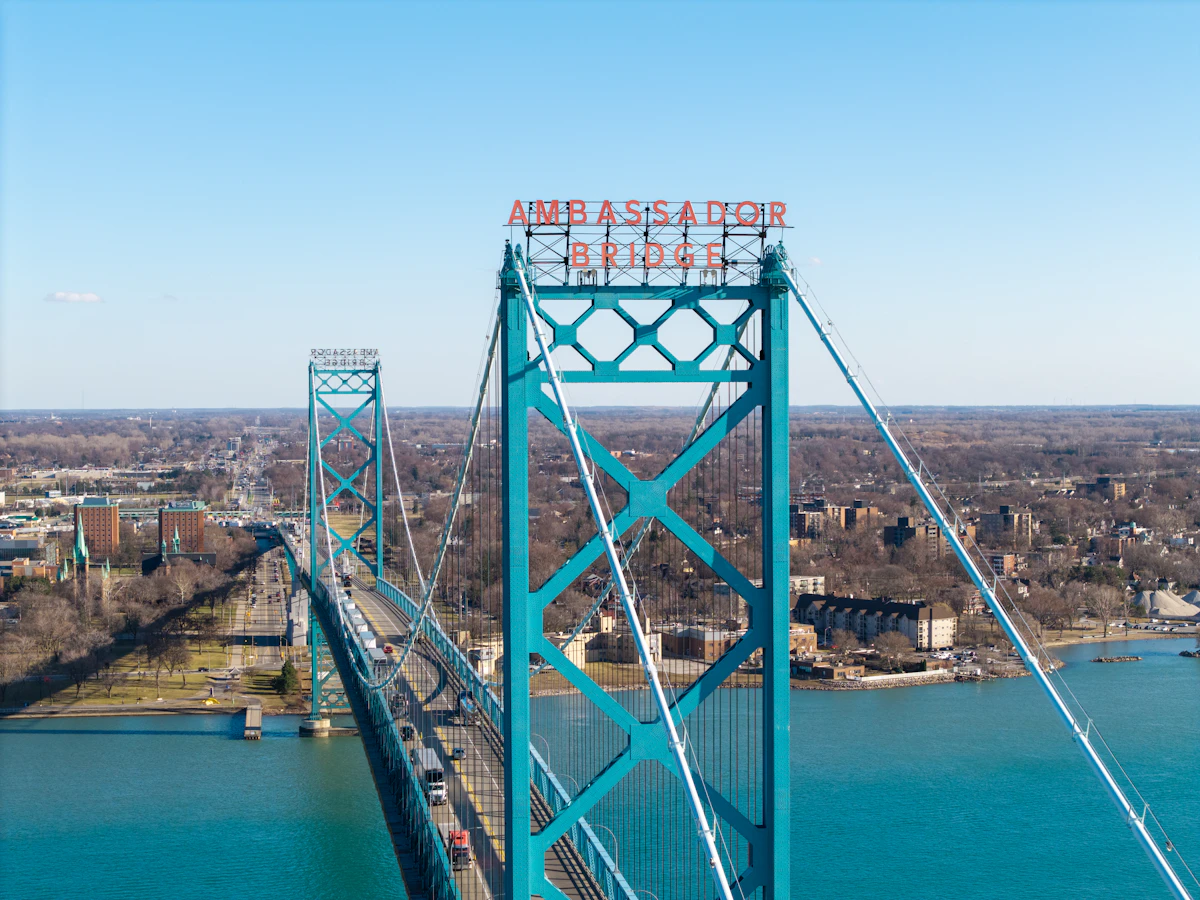
Horizon sells the United States, Canada and Mexico as three separate country plans. The territory written on the plan you buy decides where an allowance applies — here is the one-minute check, and where our own three stop.

Compare Canada eSIM prices, larger data allowances and the cost of a US border crossing. Horizon includes instant support.