
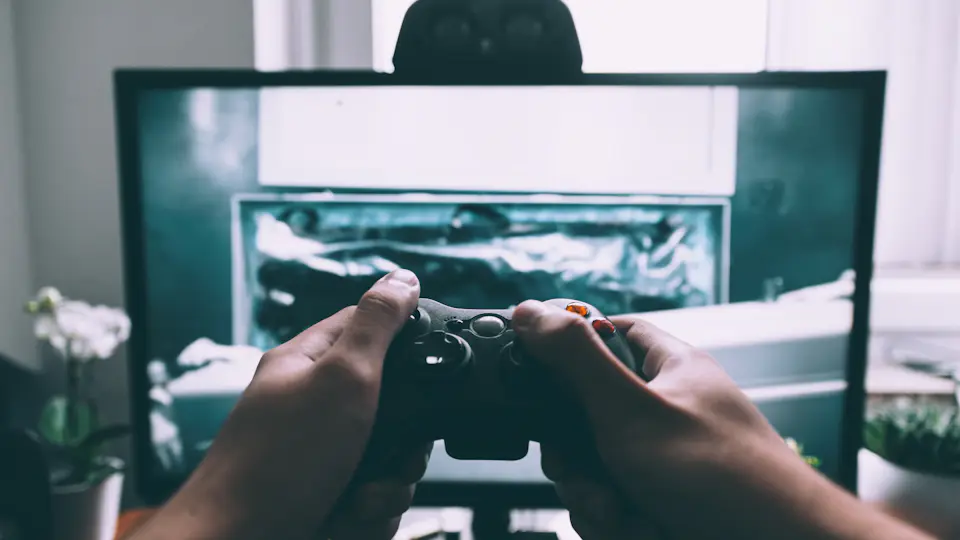
Grand Theft Auto VI came out on 19 November 2026 for PlayStation 5 and Xbox Series X|S. If you are away from home in launch week, a Horizon travel eSIM gives you mobile data for the parts that need a connection: a console or laptop on your phone's hotspot, PS Remote Play to the PS5 you left at home, and streams to watch in the evening. Hotspot sharing is free on every Horizon plan. Validity does not start until your eSIM first connects to a supported mobile network at your destination.
GTA VI runs on a console, so the eSIM's job is the connection around it. This guide covers what uses data, how much to buy, Horizon's prices in the five countries most interested in GTA 6 in the week before launch, and how to set everything up before you fly.
Download the game at home
Download GTA VI and its updates at home over Wi-Fi before you leave. Rockstar's page gives no download size, so keep the game and its patches off your travel data. Before the console joins a hotspot abroad, turn off automatic downloads and updates in its settings, so it does not start one on your mobile data.
What uses the data
Video is what fills an allowance. Netflix publishes its own figures for one hour of viewing on one device:
| Netflix quality | Data per hour |
|---|---|
| Standard definition | up to 1 GB |
| High definition | up to 3 GB |
| Ultra HD (4K) | up to 7 GB |
Other streaming apps use different amounts, so check the app's own help pages. A lower quality setting is the simplest way to use less.
PS Remote Play sends the picture from your console as video too. Sony asks for upload and download speeds of at least 5 Mbps and recommends 15 Mbps, and that includes the upload speed of your internet at home. Sony publishes no figure per hour, but if the stream runs at 15 Mbps for a full hour, it moves about 6.75 GB.
How much data to buy
A week of evenings adds up quickly:
- One hour of HD video every evening for 7 days uses up to 21 GB.
- One hour of Remote Play at 15 Mbps every evening for 7 days uses about 47 GB.
- A console or laptop on the hotspot draws on the same allowance; it does not get one of its own.
For an hour of HD each evening, take 20 GB or more and lower the quality if the data runs low. In Australia, the next plan above 10 GB is 50 GB. For Remote Play, take 50 GB, or play shorter sessions. If you bought with an account, My eSIMs shows the data left on your plan.
Plans in the five countries most interested in GTA 6
In the 7 days to 19 November 2026, Google Trends ranked the United Kingdom, the United States, Australia, the Netherlands and Germany highest for interest in GTA 6. Trends measures a search term's share of all Google searches in each country, not the number of searches. These were Horizon's prices for those countries on 19 November 2026:
| Country | Partner networks on the plan page | 10 GB for 30 days | 50 GB for 180 days |
|---|---|---|---|
| United Kingdom | O2, Vodafone | €4.75 | €23.03 |
| USA | AT&T, Verizon | €9.53 | €46.98 |
| Australia | Optus | €7.19 | €35.30 |
| Netherlands | Vodafone, KPN | €5.16 | €25.09 |
| Germany | Vodafone, O2 | €4.76 | €23.09 |
Where a partner network offers 5G you may get it, and coverage and speed depend on local network conditions. Horizon fixed-data plans have no throttling. Prices change, so check the current total on the plan page before you pay.
Connect a console or laptop to your phone's hotspot
- Turn on Personal Hotspot on your phone, with the Horizon line chosen for mobile data. Menu names vary by phone and language.
- Connect the console or laptop to the phone's Wi-Fi network, the way you would join any other Wi-Fi.
- Keep the phone near the console, and on a charger for long sessions.
Online play depends on the local network, and reception may vary by area. Hotspot sharing is free on every Horizon plan.
Remote Play from your console at home
Sony's PS Remote Play app streams your PS5 to a phone, tablet or computer. Sony says it can be used over mobile data or Wi-Fi, but warns that mobile data may not work with every carrier and network. It uses your mobile data allowance, and quality depends on the mobile network.
Set it up at home, before you go. In the PS5's settings, turn on Remote Play, and let the console stay connected to the internet and be turned on from the network while it is in rest mode. Install the app on the device you are taking, sign in with the same account, and allow the app to use mobile data in its own settings. Leave the console in rest mode rather than switched off, then test the game you want to play over mobile data, not only over Wi-Fi.
Xbox Series X|S has remote play as well. Microsoft lists its requirements on its remote play page; check them before you rely on it abroad.
Buy and install before you fly
- Choose the plan. Open the country plan for your trip, such as the Turkey eSIM or the USA eSIM, or find another destination in country eSIMs.
- Pick the data and the days, then pay. If you buy with an account, your eSIM appears in My eSIMs. If you buy as a guest, open it from the secure order link in your email.
- Install it at home over Wi-Fi. Follow the installation guide. Check device compatibility first, and that the phone is not locked to your home network.
- Leave the line off until you arrive. Installing the eSIM does not start its validity.
When you land, turn the Horizon line on, choose it for mobile data and turn on Data Roaming for the Horizon line only. Your home carrier may still charge for calls, texts or data on its own line. Horizon's plans are data-only: no local number, calls or SMS.
Short answers
Can I play GTA VI on my phone with an eSIM? Not directly. GTA VI came out for PlayStation 5 and Xbox Series X|S, and Rockstar's page does not say whether it supports PS Remote Play. Remote Play streams many PS5 games to a phone, so test GTA VI over mobile data at home before you travel.
Is hotspot sharing free? Hotspot sharing is free on every Horizon plan.
Do I get 5G? The plan page lists the partner networks. Where a partner network offers 5G you may get it, and coverage and speed depend on local network conditions.
How much data does streaming use? Netflix gives up to 3 GB an hour in HD and up to 7 GB in 4K. A Remote Play stream at 15 Mbps moves about 6.75 GB an hour.
Does a console on my hotspot get its own allowance? No. Every device on the hotspot draws on the same allowance.
Horizon offers 24/7 human support in all languages, with guaranteed instant replies. Contact support with setup or plan questions.
We always refund the full amount you paid when you request it, whether your eSIM is unused, partly used or fully used. There is no time limit for requesting a refund. The refund policy explains how a refund is returned.
Sources
Checked on 19 November 2026: Rockstar Games' Grand Theft Auto VI page; Sony's PS Remote Play page and its Remote Play on mobile devices support page; Microsoft's Xbox remote play page; Netflix's help page on how much data Netflix uses; Google Trends for GTA 6 over the past 7 days, a rolling window, so a later visit shows a different week; and Horizon's plan pages. Horizon is not affiliated with Rockstar Games, Sony or Microsoft.


