



Buy a plan
Pick a destination, data allowance and validity period.






This Indonesia eSIM page is the main option for Bali as well as Jakarta, Lombok, Java, and other listed Indonesian stops. Compare prepaid plans by data, validity, coverage, and total price, then install over Wi-Fi before departure for maps, ride apps, messages, and bookings. Two very different Bali trips share this page and use data in opposite ways. A villa or resort stay is mostly stationary: the load is booking messages, a driver, restaurant and beach addresses, and the day's uploads. Island travel is the reverse — ferries, a change of accommodation every few nights, and long road transfers where reception can vary. Read the plan against whichever one the week actually looks like.
Use an Indonesia eSIM for a Bali holiday, a Jakarta stopover, a Lombok trip, or a longer route across several islands. Plan coverage and reception depend on the selected product, island, device, terrain, and local network conditions. On a villa or resort week, the address that matters is often a gate on a narrow lane rather than a street number, so keep the pin the host actually sends and a way of reaching that host without opening the booking app. Island travel puts the pressure somewhere else: the crossing, the transfer and the gap between an arrival port and the accommodation are where a plan gets tested. Reception can vary on boats, along rural roads, on quieter beaches and in the inland valleys, so download the crossing, the accommodation pin and the return transfer while the network still reaches.
Refund policy
We always refund the full amount you paid when you request it, whether your eSIM is unused, partly used or fully used. There is no time limit for requesting a refund.
Activation window
Validity does not start until your eSIM connects to a supported network at your destination. Check the package details for the first-use deadline.
Secure checkout
Cards, Apple Pay & Google Pay — encrypted by Paysera.
Customer support
Contact support before or during your trip if you need help.
Choose a data plan for Indonesia, install the eSIM over reliable Wi-Fi before your trip, and follow the selected plan’s activation instructions. Your regular SIM can stay in your phone, while the eSIM gives you mobile data for travel apps, messaging, maps and browsing.
Pick a destination, data allowance and validity period.
Scan the QR or auto-install in the app — no physical SIM.
Data activates on first connection at your destination.
Pick the profile closest to your trip. The estimate assumes normal use — maps, messaging, photos, a short call home.
As a rule of thumb, a 3–4 day city break runs on about 1–3 GB, a one-week trip on 3–5 GB, a two-week multi-country tour on 8–12 GB, and working on the road takes about 1 GB a day, so 15 GB or more for two weeks.
In total, a 1 GB data allowance covers roughly 330 shared photos, 17 hours of social media and browsing, 2.9 hours of video calls, 13 hours of music streaming, or about 200 hours of maps and navigation. Messaging apps barely use data.
Jakarta · City guide
A Jakarta eSIM keeps you oriented in a capital that stretches in every direction. Use mobile data to wander the Kota Tua old town, pull up details on the National Monument, and check transit times before heading to the busy waterfront. With coverage varies by location and local network conditions in the city centre, you can call a ride and message your group while you cross from one district to the next.
Jakarta eSIM — set up before you fly →Denpasar · City guide
As the gateway to Bali's beaches, this is where most island trips begin. A data plan for Denpasar lets you browse the traditional markets, map a route to the nearby temples, and share photos as you go. Coverage varies by location and local network conditions around the busier tourist areas, so keep mobile data on to navigate, translate a menu, or check the forecast before a beach day. Arrival is the busiest moment of the whole trip: the transfer, the villa gate and the first message home all land at once. Agree the pickup point and the driver's name before landing rather than after, and keep the accommodation's own written directions saved, because a narrow lane is hard to describe from a map alone. Around the busier tourist strips, reception can vary by building and by hour, so send the message that matters before stepping into a lobby or a lift.
Denpasar eSIM — set up before you fly →Ubud · City guide
Ubud spreads beyond its centre into villages, temples and rice terraces, so a Bali eSIM is useful long after you leave the main streets. Keep maps available for Tegallalang, confirm a driver for an early temple visit and message your accommodation while moving between the surrounding valleys. Save the route offline before quieter back roads where reception can vary. Inland Bali is where the phone stops being a search tool and becomes a record: the valley road, the temple gate, the driver's number and the agreed return time are all worth more saved than searched. Rain can rearrange a day here more than traffic does, so check the forecast while the network reaches and settle a fallback with the driver rather than assuming a change can be messaged through later.
Ubud eSIM — set up before you fly →Canggu · City guide
Canggu’s beaches, cafés and coworking spaces sit along busy roads where live navigation saves time. Use an eSIM in Bali to compare routes between Batu Bolong and Berawa, reserve a table or desk and arrange transport after sunset. Download key addresses before heading farther along the coast. A longer stay changes the pattern again: a working week here leans on uploads, video calls and a second device, so size the plan against those days rather than the beach ones and match the validity to the last night rather than the last full day. Traffic along this stretch of coast can be slow, so a live route is often worth more than an early start, and it is worth keeping the return address saved in case a search will not load on the way back.
Canggu eSIM — set up before you fly →Yogyakarta · City guide
A Yogyakarta eSIM is built for slow days of sightseeing. Use mobile data to plan an early start for the Borobudur temple nearby, look up the carvings at the Prambanan temple, and read up on the kraton palace before you visit. Connectivity depends on local network conditions in town, so you can keep messaging home and pulling up directions between each stop without touching a physical SIM.
Yogyakarta eSIM — set up before you fly →Bandung · City guide
With its cool highland setting, this city makes an easy escape from the lowland heat. A data plan for Bandung helps you admire the colonial architecture, find a cafe between sights, and map drives out to the surrounding tea plantations. Coverage varies by location and local network conditions in the centre but can thin out as you climb into the hills, so download your route while you still have an available signal.
Bandung eSIM — set up before you fly →Why Horizon
For Bali, compare the plan's data amount, validity, fair-use terms, listed coverage, and total price rather than relying on a generic “best eSIM” label. Confirm every island on a multi-stop itinerary and download offline maps before boat trips or travel through remote areas. A practical way to size it is to count the map-heavy and transfer-heavy days instead of averaging the whole stay, because a villa day and a ferry day are not the same load. Match the validity to the last night rather than the last full day, confirm the travelling phone supports eSIM and is unlocked, then read the sharing terms: where the selected plan and the device allow it, one line can serve a laptop or a second phone at the villa, and the plan details confirm whether that applies. If the stay may stretch, check whether the selected plan supports top-ups instead of assuming a smaller allowance can be extended later.
Plan for
Indonesia
Compare the listed data allowances and validity periods for your destination.
Install over reliable Wi-Fi before departure and follow the plan's activation instructions.
Review the current price, data, validity, coverage and fair-use terms before checkout.
When the selected plan supports reuse or top-ups, My eSIMs shows the eligible options for the installed profile.
We'll alert you as you approach your limit. If the plan supports a top-up, My eSIMs shows the eligible options.
Choose country, regional or global coverage and check every destination in the plan details.
Choose an Indonesia plan with enough data and validity for your whole Bali stay, including Denpasar, Ubud and Canggu. Install it over Wi-Fi before your flight from Australia, keep the instructions offline and select it for mobile data after landing. Current plan details and prices are shown on this page. If Bali is the whole trip, one Indonesia plan is usually simpler than a regional one; if the route adds Lombok, the Gili islands or a Java leg, confirm each of those appears in the same plan's coverage details before buying. Keep data roaming switched off on the Australian SIM as well, because its own carrier bills that line separately from anything bought here.
Check the selected Indonesia plan for supported local networks; 5G or 4G availability and speed depend on the plan, device, location, and local conditions. In Jakarta, Bali, and other stops, choose the eSIM as the mobile-data line after it connects, and keep offline maps for remote routes.
Yes. Coverage varies by location and local network conditions across the main tourist areas of Bali, the Gili islands and Lombok, so you can navigate, message and book around the popular spots. Signal can drop on the boats between islands and on remote beaches, so it is worth saving maps and booking confirmations offline before you set off. Plan around the crossing rather than the destination, because the boat is usually the longest stretch without a usable signal. Save the return crossing, the accommodation pin and the driver's number before boarding, and agree a meeting point rather than promising to message on arrival. Check the current schedule on the morning itself, since a boat that leaves late can turn a short transfer into the whole afternoon.
Treat Indonesia as one destination only when it appears that way in the selected plan details. For a route continuing to Singapore, Malaysia, Thailand, or elsewhere, compare regional plans and verify every country in the published destination list before buying.
Install the Indonesia eSIM over Wi-Fi a day or two before the flight and save the setup details offline. After reaching Soekarno-Hatta Airport, select it for mobile data and follow the plan instructions. Validity does not start until the eSIM first connects to a supported mobile network in Indonesia; check the selected plan terms for its connection steps.
Check your exact phone model and regional variant for eSIM support, carrier-unlocked status and compatibility with the selected plan's requirements. A recent phone alone does not establish those things. If it is compatible, follow the plan's instructions to install by QR code or the available manual method. Review the device settings and manufacturer's information before travel, since availability can differ by model and market.
Yes. The eSIM adds data alongside your existing SIM, so your usual number stays active for calls and texts while the Indonesia plan handles mobile data. Hotspot sharing is free on every Horizon plan.
For Bali, compare the selected plan's listed coverage for Denpasar, Ubud, Canggu, and your beach stops, along with data allowance, validity, and network details. Install by QR over Wi-Fi before travel, then select it after landing. If continuing beyond Bali, verify that every Indonesian stop appears in the same plan's coverage details. There is no single answer that fits every Bali trip: a stationary villa week and a multi-island route load a plan very differently. Compare the data amount, the validity, the exact list of Indonesian stops and the sharing terms against the week you are actually booking, and read the plan details rather than a label.
Prepare before flying while you have Wi-Fi at home in Australia: installing the eSIM there does not start its validity, which does not begin until it first connects to a supported mobile network in Indonesia. Your Australian number remains available for calls and texts, while the eSIM carries data. After landing in Bali, select it for mobile data according to the connection instructions. Keep data roaming off on the home SIM because its carrier may charge that line. Install the evening before rather than at the airport so a device or profile issue can still be addressed at home. Save the villa's written directions and driver's number offline before the flight, because arrival is a poor time to depend on a live search.

Most travellers use 8–10 GB for one to two weeks in Bali. Light users — maps, messaging, wifi in the evenings — need 3–5 GB; hotspotting and streaming, 15 GB or more.
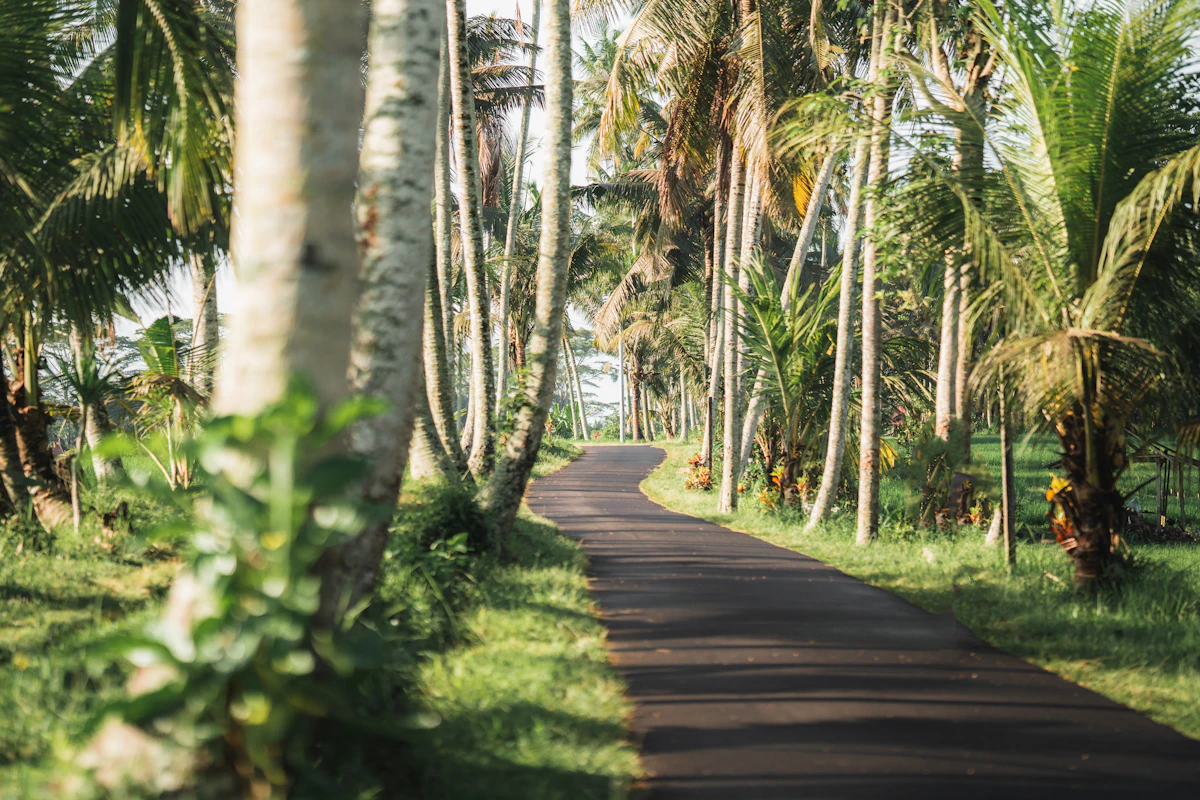
Bali is sold on Horizon's Indonesia plan. The whole set-up in order: check the handset, size the plan, install at home on Wi-Fi, then switch the line on after immigration at Ngurah Rai.
Compare Indonesia and Bali eSIM prices, 30 versus 45 days, hotspot limits and regional coverage, with Horizon instant support.


