



EN
“I used the Europe Esim, went through different countries with it and it was working super fast 5G everywhere. Suprised for good!” 





“I used the Europe Esim, went through different countries with it and it was working super fast 5G everywhere. Suprised for good!” “The eSIM worked perfectly during my trip around Europe. It was very easy to install, connected as soon as I arrived, and the internet was fast and reliable everywhere I went. It made travelling much easier because I did not need to buy local SIM cards. Very convenient and worth the price. I would definitely use it again.” There is no deadline for first use. You can buy now and keep your plan for a future trip.
Compare UK eSIM plans for London transport, intercity rail and countryside stays. Check the included data, validity, territory and phone compatibility before choosing.
A UK trip may begin with a Heathrow rail choice, continue on a digital train ticket and finish on a Welsh coast or Highland road. Mobile data helps with live departures, platform changes and accommodation messages, but reception can vary inside stations and remote valleys. Keep key tickets and addresses offline; results depend on the plan, device, location and local network conditions.
Refund policy
We always refund the full amount you paid when you request it, whether your eSIM is unused, partly used or fully used. There is no time limit for requesting a refund.
No first-use deadline
Validity does not start until your eSIM connects to a supported network at your destination. There is no deadline for first use. You can buy now and keep your plan for a future trip.
Secure checkout
Cards, Apple Pay & Google Pay — encrypted by Paysera.
24/7 support in all languages
Instant replies guaranteed.
Install the eSIM on dependable Wi-Fi and save the QR code and instructions offline. After arrival, select it as the mobile-data line and follow the plan's activation guidance. Leave data roaming off on your home SIM unless you knowingly need it.
Pick a destination, data allowance and validity period.
Scan the QR or auto-install in the app — no physical SIM.
Data activates on first connection at your destination.
Pick the profile closest to your trip. The estimate assumes normal use — maps, messaging, photos, a short call home.
As a rule of thumb, a 3–4 day city break runs on about 1–3 GB, a one-week trip on 3–5 GB, a two-week multi-country tour on 8–12 GB, and working on the road takes about 1 GB a day, so 15 GB or more for two weeks.
In total, a 3 GB data allowance covers roughly 1,000 shared photos, 50 hours of social media and browsing, 8.8 hours of video calls, 38 hours of music streaming, or about 600 hours of maps and navigation. Messaging apps barely use data.
London · City guide
At Heathrow, the Elizabeth line serves the airport terminals and links into London. Use data to compare that route with the Underground, load the correct station exit and retrieve theatre or attraction tickets; keep the hotel address offline for tunnels or busy concourses.
London eSIM — set up before you flyManchester · City guide
Manchester itineraries often move between Piccadilly, Victoria and tram stops near music or football venues. Keep the event ticket downloaded, then use data for a last-minute platform change or a walking route around road closures rather than relying on reception at the gate.
Manchester eSIM — set up before you flyEdinburgh · City guide
In Edinburgh, data helps identify the airport tram stop, present a timed castle entry and check trains from Waverley. Old Town closures and festival crowds can alter walking routes, so save the accommodation address before threading through steep closes.
Edinburgh eSIM — set up before you flyLake District · City guide
For a Lake District drive or hike, download the route, parking details and weather guidance while on Wi-Fi or in town. Valleys and fell paths can have limited reception, so mobile data should supplement—not replace—an offline map and an appropriate safety plan.
Lake District eSIM — set up before you flyWhy Horizon
Match the allowance and validity to travel days plus likely navigation and ticket use. Hotspot sharing is free on every Horizon plan. Do not assume a country plan covers Ireland, crown dependencies or an onward European stop.
Plan for
United Kingdom
Compare the listed data allowances and validity periods for your destination.
Install over reliable Wi-Fi before departure and follow the plan's activation instructions.
Review the current price, data, validity and coverage before checkout. Horizon plans have no throttling.
When the selected plan supports reuse or top-ups, My eSIMs shows the eligible options for the installed profile.
We'll alert you as you approach your limit. If the plan supports a top-up, My eSIMs shows the eligible options.
Choose country, regional or global coverage and check every destination in the plan details.
Estimate maps, rail apps, messaging and media use, then choose an allowance and validity for the full stay. Streaming and laptop tethering can consume more data, so size the allowance for them.
A dual-SIM phone can keep both lines enabled, but set the UK eSIM for mobile data and disable data switching and roaming on the home SIM. Your home carrier may charge for calls, texts, voicemail or data on that line.
Hotspot sharing is free on every Horizon plan. Horizon plans are data-only and do not include a local phone number, cellular calls or SMS. Calling and messaging apps use your data allowance. Enable Personal Hotspot on a compatible phone and keep Horizon selected for mobile data.
Do not rely on the country label alone. Check the plan's territory list, especially for Northern Ireland and any islands. Actual service varies with the device, precise location and local network conditions.
Only when those destinations are explicitly listed. For a cross-border itinerary, compare regional plans with a UK-only option and verify every stop, including Ireland, before buying.
Reconnect to Wi-Fi, confirm the eSIM is enabled and selected for data, then compare roaming and APN settings with the instructions. Restart the phone or reselect a listed network if directed. Do not delete the profile; contact support with order details and screenshots.
No. Horizon plans have no throttling. There is no daily limit that slows you down, so you can use your whole plan in one day if you need to. Your speed depends on the local network, your signal and how busy the network is. When your data allowance is used up, the plan stops rather than slowing down.
Yes. We always refund the full amount you paid when you request it, whether your eSIM is unused, partly used or fully used. There is no time limit for requesting a refund.

Hyde Park Winter Wonderland runs from 19 November 2026 to 3 January 2027, closed only on Christmas Day, with timed entry from £1. Plus the rink, market and lights dates announced so far, what runs on 25 and 26 December, New Year's Eve fireworks and the ETA or visa you need.
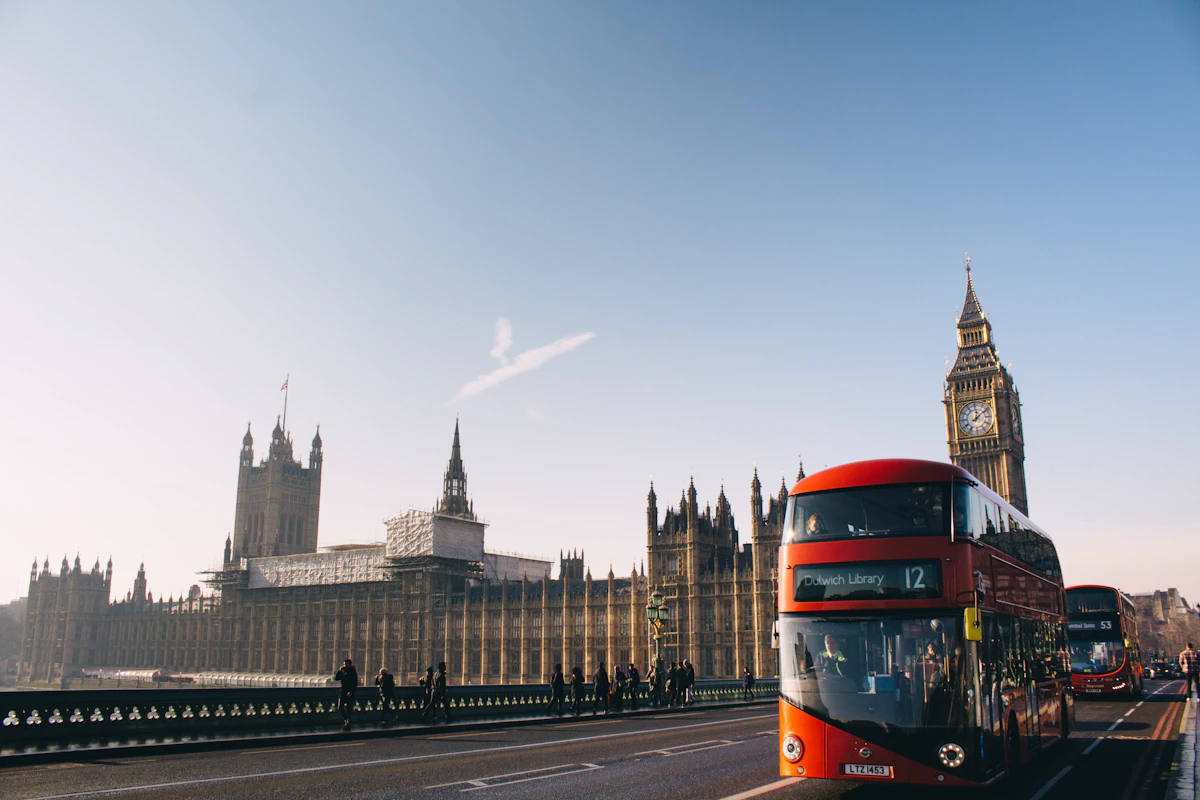
Compare UK eSIM prices from Horizon, Airalo, Nomad, Saily and Holafly. Check data-only versus calling plans and instant Horizon support.
London and the UK are home to a large Kosovar and Albanian community — here's how to keep calls home cheap and your phone working on every summer trip back.


