



Buy a plan
Pick a destination, data allowance and validity period.






Compare USA eSIM plans for airport transfers, city transport and multi-state drives. Check the data allowance, validity, listed territories, fair-use terms and device compatibility before choosing. Four trip shapes buy different plans: a long weekend in one city, a drive across several states, a longer stay with relatives, and a work trip that leans on a laptop. Count the days and the daily pattern of the shape you are actually taking, because a fortnight of hotel evenings and a fortnight behind the wheel spend an allowance at very different rates. Then read the listing itself — allowance, validity window, named territory and checkout total — rather than the largest number printed on a card.
A US itinerary can begin with an AirTrain connection in New York, cross Los Angeles by airport bus and finish on a desert or national-park road. Data helps retrieve boarding passes, monitor transit changes and navigate long drives, but remote parks and highways may have little or no reception. Save official park maps and reservations offline; service depends on the plan, device, location, terrain and local network conditions. An American trip is rarely one shape. A city break stays inside one metropolitan area and spends its data on transit apps, timed tickets and opening hours. A road trip crosses state lines and turns navigation into the main consumer, hour after hour. A longer stay with relatives moves between houses, suburbs and small towns, so the validity window matters more than any single busy day. A work trip adds video calls, shared files and a laptop that expects the phone to carry it between offices and hotels. Distance is not the same as demand: two weeks in one city, with the evenings on hotel or apartment Wi-Fi, can consume less than five days of continuous driving. Domestic legs are easy to underestimate as well. One itinerary can pair a coastal city with a flight to another state, a train segment and a rental car, and each of those moves the point where the last dependable Wi-Fi is left behind. Reception differs between a downtown block, a suburb, a long highway stretch, a canyon road and a park valley; a state named in a territory list says where a plan applies, not what a phone will find there. The clock changes along the way too, so confirm the local time of the next stop before a booked pickup, a hotel check-in or a call home.
Refund policy
We always refund the full amount you paid when you request it, whether your eSIM is unused, partly used or fully used. There is no time limit for requesting a refund.
Activation window
Validity does not start until your eSIM connects to a supported network at your destination. Check the package details for the first-use deadline.
Secure checkout
Cards, Apple Pay & Google Pay — encrypted by Paysera.
Customer support
Contact support before or during your trip if you need help.
Install the eSIM on reliable Wi-Fi and save its instructions offline. After arrival, select it for mobile data and follow the plan's activation guidance. Download tickets and road maps before remote drives, and keep data roaming off on the home SIM unless deliberately needed. Do that before departure rather than at the airport, while the purchase email and the setup code are still easy to reach; the far side of security is a poor place to discover that a device is not eligible. Keep the QR or manual code somewhere other than the phone it is going onto; installing it does not start validity, which does not begin until the eSIM first connects to a supported mobile network in the United States. Once the plane is on the ground, set the profile as the mobile-data line, then work through only the steps its own guide gives and stop where that guide says to wait. Before a long drive, download the route, the fuel and rest stops, the accommodation address, the reservation records and the return terminal, so the phone is carrying a copy instead of fetching one.
Pick a destination, data allowance and validity period.
Scan the QR or auto-install in the app — no physical SIM.
Data activates on first connection at your destination.
Pick the profile closest to your trip. The estimate assumes normal use — maps, messaging, photos, a short call home.
As a rule of thumb, a 3–4 day city break runs on about 1–3 GB, a one-week trip on 3–5 GB, a two-week multi-country tour on 8–12 GB, and working on the road takes about 1 GB a day, so 15 GB or more for two weeks.
In total, a 1 GB data allowance covers roughly 330 shared photos, 17 hours of social media and browsing, 2.9 hours of video calls, 13 hours of music streaming, or about 200 hours of maps and navigation. Messaging apps barely use data.
New York City · City guide
From JFK, the AirTrain connects with onward rail and subway options, so data helps confirm the interchange and any service change. Download the subway map before going underground, keep the hotel address offline and retrieve timed Broadway or museum tickets before reaching a crowded entrance. A city break is the shape this stop usually takes: short hops, timed entries and many small lookups rather than one heavy day. New York arrivals do not all use the same airport, and the transfer differs by the one printed on the ticket, so read the current instructions published by the airport you are actually landing at instead of a general rule for the city. Underground sections, tall blocks and crowded platforms can all interrupt reception, which is reason enough to open the next leg before descending and to carry the entry time and a payment method for local transport in a form that does not need the network.
New York City eSIM — set up before you fly →Los Angeles · City guide
At LAX, ground-transport arrangements and pickup areas can change, so check the airport's current instructions before choosing FlyAway, transit or a ride. Across the city, use data for freeway traffic and parking rules between Hollywood and Santa Monica, while keeping the return terminal details saved offline. A Los Angeles stay is often the pivot between a city visit and a drive, so it is worth deciding here whether the plan still fits the rest of the route. Distances between neighbourhoods are long, and a rental car turns navigation into an all-day background task rather than an occasional lookup. If a laptop travels with you for work, check the fair-use terms before the first working morning instead of at the hotel desk, and save the rental agreement, the return address and the drop-off instructions where they can be read with no connection.
Los Angeles eSIM — set up before you fly →Las Vegas · City guide
Las Vegas is a practical launch point for desert drives, but national parks and long highway sections may have unreliable or absent reception. Download the official NPS park content, route, fuel stops and reservation details on Wi-Fi before leaving the Strip; treat mobile data as a supplement to offline preparation. For the road-trip shape, this is where preparation stops being optional. Between towns, long stretches can pass with weak reception or none, and what a phone finds there is set by the ground it is standing on rather than by the plan alone. Prepare each stage from the last place that had a connection instead of once at the start, and agree a check-in time with someone who is not in the car. A phone is a convenience on that drive, never the safety plan.
Las Vegas eSIM — set up before you fly →Miami · City guide
Miami itineraries often switch between the airport, South Beach and a port or cruise terminal. Use data to confirm a pickup zone, retrieve boarding documents and check weather-sensitive boat plans. Before an Everglades excursion, download the meeting point and return instructions because reception can vary away from the city. Two very different shapes land at the same airport here: a short holiday that stays close to the water, and a longer stay with family that moves between addresses in the suburbs and beyond. The first spends its data in bursts around the arrival, the boat trip and the meals out; the second spends less each day but needs the validity window to reach the flight home, and a top-up route when the selected plan supports one. Storms and hurricane-season advisories can change a boat or park plan at short notice, so keep the tour operator's own contact and the booking record available offline.
Miami eSIM — set up before you fly →Why Horizon
Size the plan for travel days, navigation and likely media use rather than distance alone. Hotspot sharing is free on every Horizon plan. A mainland plan should not be assumed to include Puerto Rico or another territory. There is no single best USA eSIM, only the one that fits a particular itinerary, so compare the listings field by field. Measure the allowance against the days you will genuinely be away from someone else's Wi-Fi rather than against the length of the holiday. The validity window has to reach the return flight, so read the last covered day and check whether a top-up is offered when the selected plan supports it. Read the territory as written: the states on the route, plus Puerto Rico, the US Virgin Islands or Guam by name if the trip touches one. Check the fair-use terms, because a work trip usually rests on them. Confirm device support, which follows the exact model, the sales region and the carrier lock rather than the brand, so the phone has to handle eSIM and be carrier-unlocked before you pay. Then compare the total shown at checkout instead of a per-gigabyte figure derived from it. A plan advertised without a stated data cap is a plan concept rather than a promise of unmetered use; such offers normally still set out a fair-use policy or a threshold beyond which speed is reduced, so read those terms on the listing before letting them replace the sizing exercise.
Plan for
USA
Compare the listed data allowances and validity periods for your destination.
Install over reliable Wi-Fi before departure and follow the plan's activation instructions.
Review the current price, data, validity, coverage and fair-use terms before checkout.
When the selected plan supports reuse or top-ups, My eSIMs shows the eligible options for the installed profile.
We'll alert you as you approach your limit. If the plan supports a top-up, My eSIMs shows the eligible options.
Choose country, regional or global coverage and check every destination in the plan details.
Compare the allowance and validity with the full itinerary, including navigation-heavy driving days. Check every listed territory, device compatibility and fair-use terms before buying rather than choosing by trip distance alone. Start from the shape of the trip rather than its length: a city break, a multi-state drive, a longer stay with relatives and a work trip consume very differently. Count the days when no other Wi-Fi will be available, rate the driving days higher because navigation runs continuously, then check that the validity window reaches the return flight and that every state and territory on the route appears in the listing.
Use the USA eSIM for mobile data, then turn off data switching and roaming on the home line. Calls, voicemail, texts or background data on that home SIM may still create carrier charges, even while both lines remain enabled on a dual-SIM phone. Which lines can be active at once depends on the exact phone, its settings and the carrier lock, so test the arrangement before you rely on it at an airport. Messaging and calling apps run over whichever line is set for mobile data, and their usage counts against the allowance, while your usual number keeps its own account rules for texts and voicemail.
Availability varies by plan. With a data-only plan, internet calling apps can be used when service is available, and their usage counts against the allowance. A US number is a separate question: a data-only option does not supply one, and the number shown to the person you call stays a matter for the app account. Where the selected plan and the device allow it, a laptop or a second phone can be served from the connection; check the plan details first and allow for the extra usage, because a shared connection draws on the same allowance. Hotspot sharing is free on every Horizon plan.
Do not assume continuous reception. Terrain, distance from infrastructure, the device, the selected plan and local network conditions all matter. Download official park content, maps, reservations and emergency details before leaving a connected area. Take those downloads from the park's own published source, and add to them the return time and a contact who knows the plan. Do not read a working connection in one town as evidence for the canyon, the desert road or the valley an hour later, and never move around traffic, cliffs, water or a remote road in order to look for signal.
Only if those destinations are included in the selected plan. Verify Puerto Rico and every cross-border stop explicitly, and compare a regional plan when your itinerary extends beyond the listed US coverage. For domestic travel, check the published network coverage for the states you intend to visit; a country-level USA listing does not need to name each state individually. Confirm Puerto Rico, the US Virgin Islands or Guam separately rather than assuming they are included under USA. Canada and Mexico must also be included if you will use the plan across those borders.
On Wi-Fi, confirm the USA eSIM is the data line and select a US network listed for the plan if instructed. Recheck the activation, roaming and APN guidance, keep the profile installed, and send support the order number and screenshots if data still does not start. Do that from Wi-Fi with the setup guide open, and do not delete the profile, because its code may not be reusable. Make the support message specific: the device model, the current location and the network or error shown on screen, with sensitive fields masked in the screenshots, and never a password or a complete payment credential. Meanwhile keep the onward booking, the address and the pickup contact usable offline so the trip does not depend on the fix.
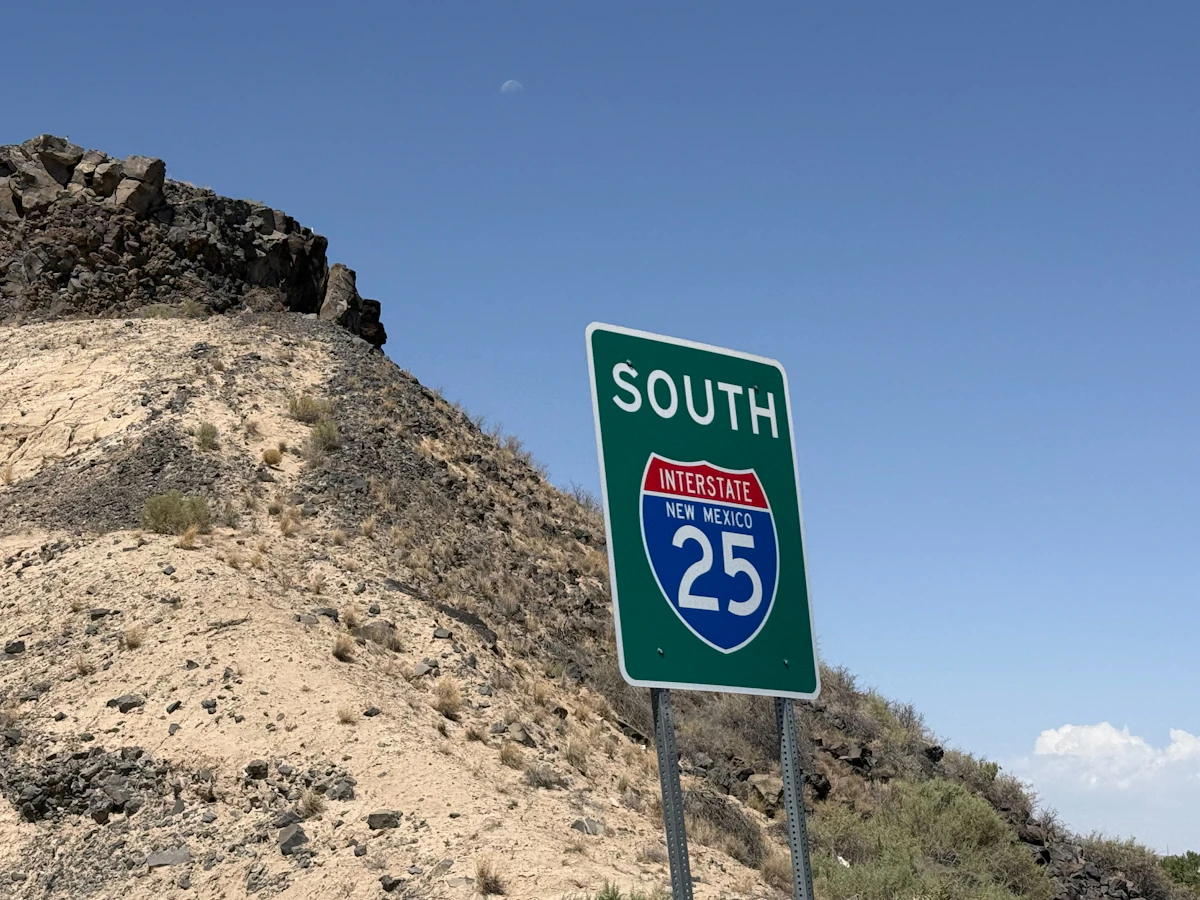
Most one- to two-week United States trips fit inside 5 to 15 GB, but the shape decides it: a walking city break spends a fraction of what a driving week does.

Install the plan at home on Wi-Fi, keep the travel line switched off until you are out of the terminal at JFK, LAX or Miami, then bring it up in five ordered steps.

Compare USA eSIM prices from Horizon, Airalo, Nomad, Saily and Holafly, with validity, hotspot tradeoffs and instant Horizon support.

